Breaking Up with Google #1 — How Deep Am I In?
This article is the first of the “Breaking Up With Google” series, an experiment in untangling myself from Google’s ecosystem — one service at a time. Follow the tag #breaking-up-with-google to see more.
It’s the beginning of 2026 and despite not having written yearly goals, I decide to rekindle an old one:
Stop using so many of Google’s products.
I’m not being paranoid and moving away from the internet 1, though I have seen some stories of people being banned from Google’s services for apparently no reason or for an explanation they don’t seem to have anything to do with. Maybe these people are hiding part of the story, nevertheless it scares me every now and then that it might eventually happen with me.
Over the past years I have convinced myself that being one of their paying customers likely reduces my chances of being targeted by a “random” hammer ban, but I think it’s just wishful thinking, given it’s all chump change for Google. I figured then that the best thing to do would be to reason about all of their services I currently use and their importance to me if lost, so I have somewhere to start from:
| Service | Importance | Impact |
|---|---|---|
| Gmail | Critical | Loss of archived e-mails, becoming unreachable by several services, being locked away from some website logins2. |
| Photos | High | Loss of pictures and videos not backed up anywhere else3, would be sad, but not life-changing. |
| Keep | Medium | Loss of notes not backed up anywhere else, but that aren’t usually carrying critical information (mostly read it later links or historical data) |
| Calendar | Medium | Missing some appointments and losing records, could mostly be reconstructed. |
| Drive | Low | No real loss, as everything is backed up on my computer. Right?4 |
| Maps | Low | Would lose several places marked as favorite and such, but would be recoverable. |
| Docs | Low | No real loss, I think? As far as I know everything is on Drive, and I could reconstruct the documents somewhere else with a new account. |
It is clear then that I should start from Gmail, given it is the only one I think is critical, but to do so I should first clean it up and that’s a story for another post, hope you follow the series5!
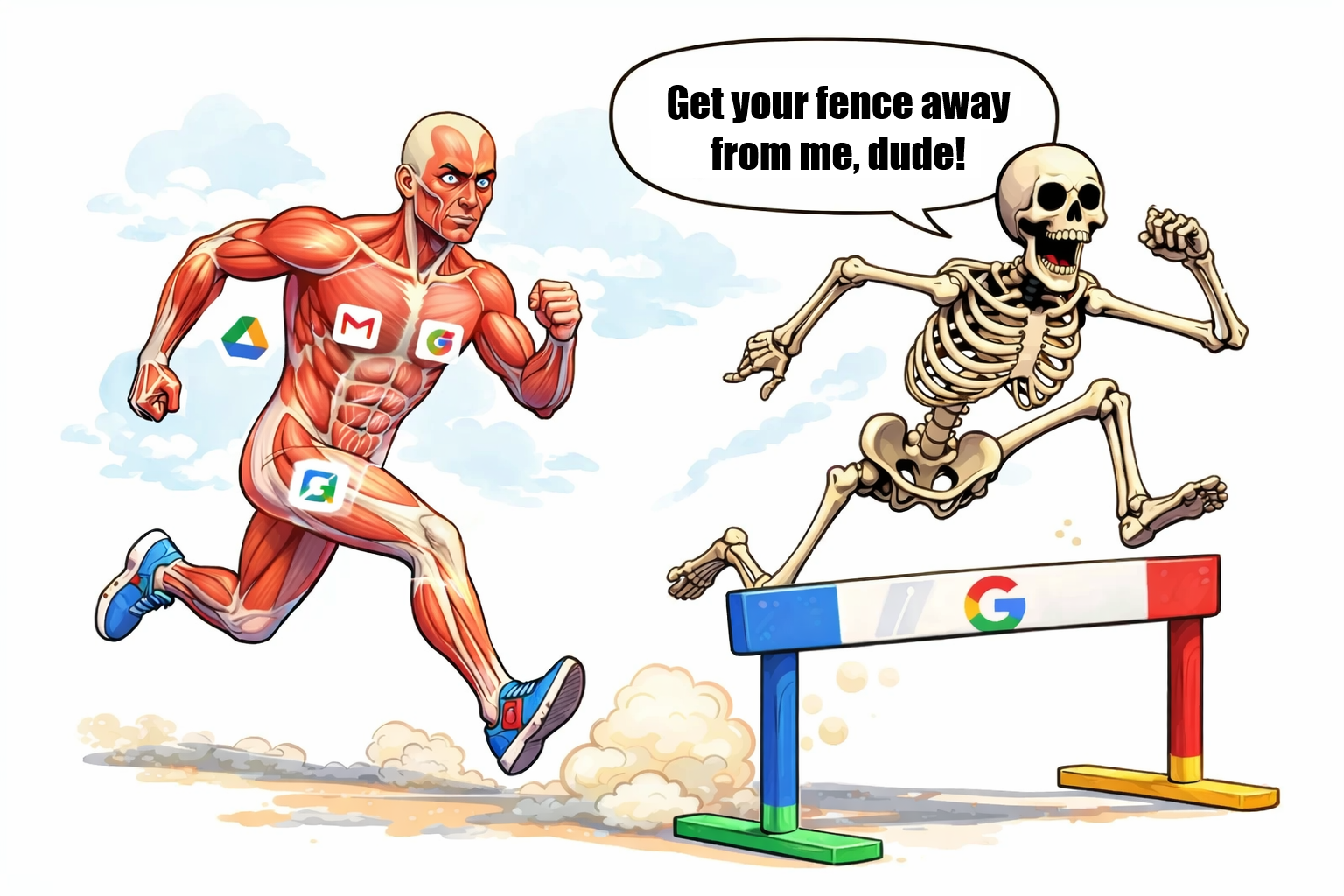
AI-generated image using ChatGPT with the prompt “Queria adaptar o meme em anexo pro esqueleto que está na frente estar falando “sai com sua cerca pra lá maluco” e estivesse pulando uma cerca ou um obstáculo de corrida com obstáculos. O corpo de trás que mostra a anatomia deve ter referências sutis a diversos produtos da Google. Pode utilizar outro estilo de desenho ou pintura que fique mais caricato se ficar melhor”
Though if you’re interested in such a thing, there’s a step-by-step guide on The Opt Out Project. ↩︎
Several services today don’t allow you to set-up a password, but instead have you type your e-mail then a confirmation number sent to it. ↩︎
Because of course you cannot configure photos to be synced offline as part of Google Drive. ↩︎
Figured out not really when writing this post, as these services have defaulted to “leave everything on cloud until you need it, to save space on your computer”. Dangerous, but I have that setting changed, so crisis averted. ↩︎
And that I have perseverance to follow through. ↩︎