Nerdy tales from a day off
Today is a Cadence Recharge Day, a day off for all employees, and while for many recharging is sitting on the couch watching Netflix all day, to me it is about doing weird new stuff I didn’t have time to do during the week1. The topics in this blog post are a bit all over, but hopefully enjoyable. Here we go!
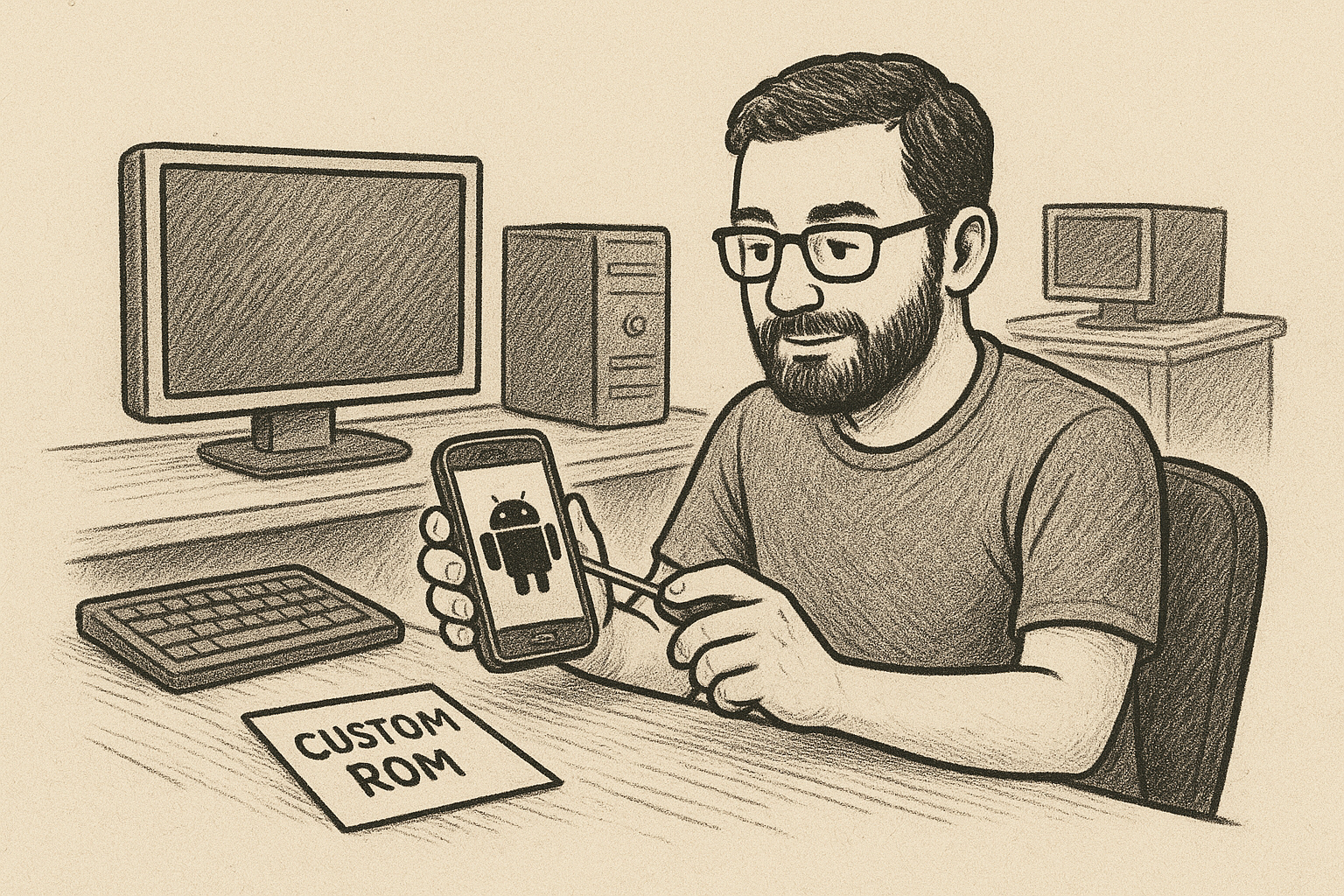
Picture generated by AI by feeding it this text and giving it the prompt “Generate a drawing-style image that fits with whomever is writing this post and the activities described by the writing” using ChatGPT then saying “Looks nice, but the human has three arms and it lacks a beard. It also should use a desktop rather than a laptop and there should be another desktop on another desk at the back”.
Installing a Custom Android OS
I have always wanted to try a custom ROM, ever since I first suffered from the lack of updates from Samsung on my first Android phone2, but I lacked courage. It was a shifting set of concerns, which started with:
“what if it bricks and I don’t have money to buy another”
And morphed into:
“What if I can’t install any of the banking apps there”.
It didn’t help that every time I needed to switch phones to a new one, the old was so bad it wouldn’t be worth the effort, but not today!
We’ve had an older Android phone lying around the house for the past couple months, so I decided to give LineageOS a try3. There are many thorough steps to follow and I was afraid it would take forever to do it and still fail, specially when seeing messages like:
These will only work if you follow every section and step precisely.
Turns out that the instructions are clear and straight forward4 and I was done in 30 minutes or less5! I stared in silence and awe as it booted with the new operational system, achieving something I always wanted to do, and then I wondered:
Cool, what do I do with this phone now? 😂
A bit anti-climatic, I know, but that’s where I stand now and I’m very open to suggestions hahaha.
Tidying up my wife’s computer
In early 2024 I set up to burn spend some of my cash to build a more powerful computer6, using every excuse I had from:
“it’s been 12 years since I last built one”
to
“I deserve it!”
In the process I thought it would be useful to salvage the old parts to have a second computer which my wife would use, and so it was done, but I never really cleaned up my old stuff from there, until today.
Being a decade old computer, one would imagine it had lots of leftover files and applications that only I ever used, so I opened SpaceSniffer and started deleting. I quickly went from 120 GB free space to 252GB (half of the SSD!), which will happily be used in the future for more The Sims 4 content. I tried updating Windows7 and a few other stuff and was about to sign off with a smile when I noticed this:

Apparently some of the apps pinned to the Windows task bar were not showing icons anymore. They still worked fine when clicking, they were just completely transparent and it didn’t look good8. You see, I had been playing with all sorts of stuff one shouldn’t9: cleaning the registry using Revo Uninstaller, manually deleting Windows files, so I got what I deserved.
I tried every solution that the top Google hits gave me, including Gemini’s, and nothing worked: restarting the PC, reinstalling the apps, clearing the icon cache in 3 or 4 different ways… I then stumbled upon Kelson Vibber’s post which said, at the very beginning:
“[…] it’s often fixed by…uninstalling Google Drive.”
I didn’t want to believe it10, so I skipped to the next paragraph and tried some additional Windows commands to check for corrupted files, despite his claims that it didn’t work for him, and neither did it for me.
I went back to searching the web and found another testimony about needing to fiddle with Google Drive. My old user, now deleted from the PC, had Google Drive, but my wife’s didn’t, so it was one of the apps that were purged. I then went into Kelson’s other post, cleaned up my files, to no avail, and then threw a hail mary by reinstalling Google Drive, which is when all of the icons reappeared and I kept staring at the screen, shocked11 and praising Kelson12.
Electronic Arts (EA) dark patterns
If you’ve visited my GitHub profile or talked to me about open source, you likely know that I maintain a website called https://justdeleteme.xyz/, whose purpose is to be:
A directory of direct links to delete your account from web services.
Sadly, several companies do not provide big red buttons to delete your account automatically and you have to mail them asking for your right-to-be-forgotten or similar. In several cases the channel to do this will not be straight forward to find, which is why our service is useful!
Nothing though had ever been so shady as what we found out on this recent discussion about Electronic Arts (EA), where the mail for the data protection officer is on the privacy page, but hidden under the main banner and only accessible from the source code, see it for yourself:
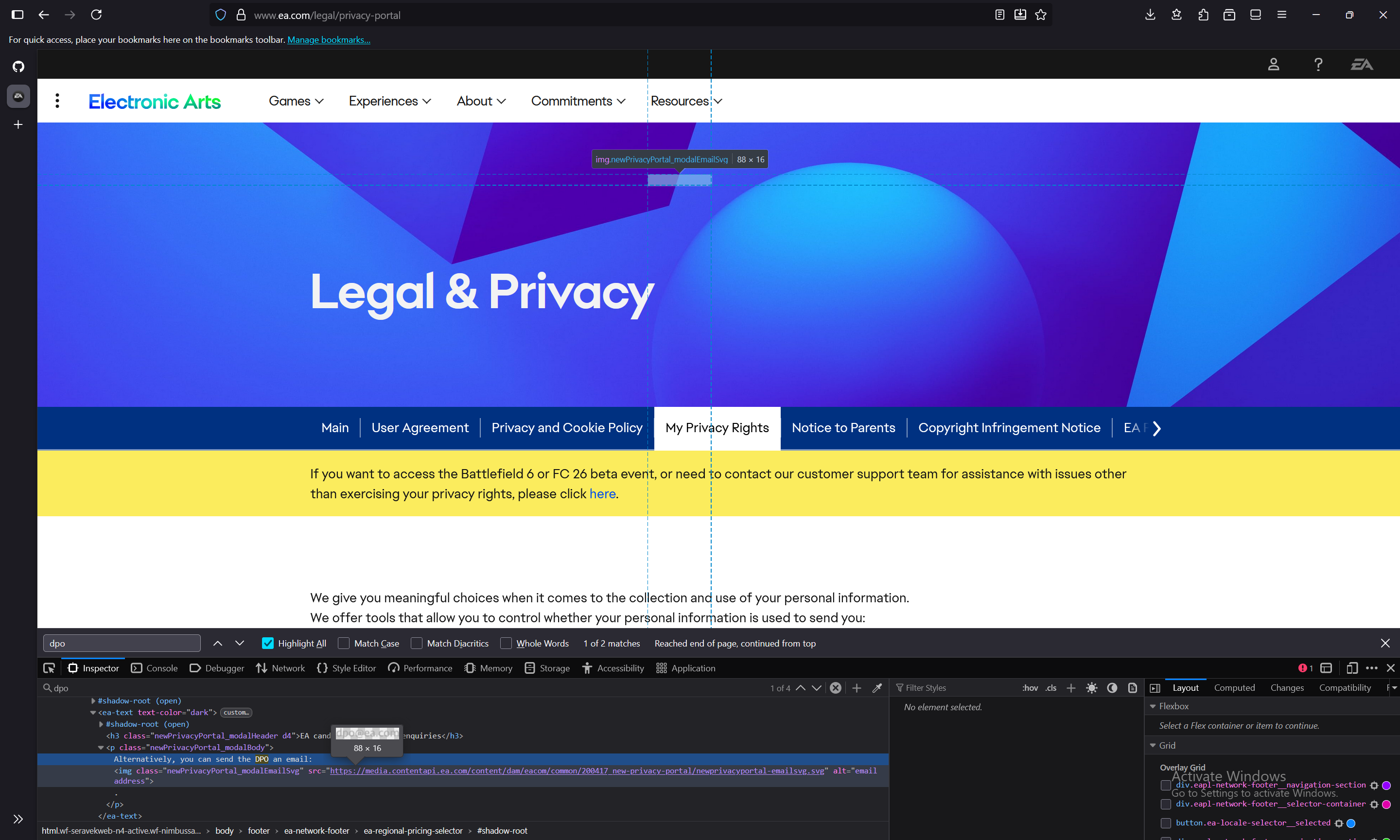
I’m a firm preacher of the benefit of the doubt, but even my faith was put to test with cases like this. Let’s just hope it is an oversight and that Saudi Arabia fixes it, now that they own EA 🙃.
Including sometimes writing these blog posts! ↩︎
Leaving it with the crappy and bloated proprietary Android skin they were making at the time. ↩︎
For anyone following the Android history, it’s the spiritual successor of CyanogenMod. ↩︎
The tutorial is likely that lengthy to avoid frequently asked questions and unnecessary troubleshoot. ↩︎
And it could have been faster, if I wasn’t debugging the problems on my wife’s computer in parallel, as per the other section of this blog post 🤐. ↩︎
I even thought about writing a piece on it, but I think I lost the timing, let me know if you’re interested! ↩︎
But couldn’,t since it’s locked on Windows 10 ↩︎
I’m doing all of this without telling my wife (including the post), so how would I explain to her that to open WhatsApp she would now just have to count where a fifth icon would be, click and trust the process? 😂 ↩︎
“If it ain’t broke, don’t fix it”, right? ↩︎
Sorry Kelson! ↩︎
Although I suspect it is foul play of the virtual filesystem it uses, it still looked like magic. ↩︎
I did uninstall it again and rebooted to see whether the icons would go away again, but to my relief they didn’t🤞🏼! ↩︎